
 By
Timi Cantisano
Published 10 hours ago
Timi is a news and deals writer who's been reporting on technology for over a decade. He loves breaking down complex subjects into easy-to-read pieces that keep you informed. But his recent passion comes from finding the best discounts on the internet on some of the best tech products out right now.
Sign in to your Android Police account
Summary
Generate a summary of this story
follow
Follow
followed
Followed
Like
Like
Log in
Here is a fact-based summary of the story contents:
Try something different:
Show me the facts
Explain it like I’m 5
Give me a lighthearted recap
By
Timi Cantisano
Published 10 hours ago
Timi is a news and deals writer who's been reporting on technology for over a decade. He loves breaking down complex subjects into easy-to-read pieces that keep you informed. But his recent passion comes from finding the best discounts on the internet on some of the best tech products out right now.
Sign in to your Android Police account
Summary
Generate a summary of this story
follow
Follow
followed
Followed
Like
Like
Log in
Here is a fact-based summary of the story contents:
Try something different:
Show me the facts
Explain it like I’m 5
Give me a lighthearted recap
Monitoring your home or office doesn't need to be complicated or expensive. While there are plenty of different brands to choose from, Wyze was one of the first to offer affordable security cameras that were easy to set up. However, we always recommend picking them up while they're on sale if you can. Right now is the perfect time, as the Wyze Cam v4 is now discounted down to its lowest price at just $20.
Cheap but feature-packed
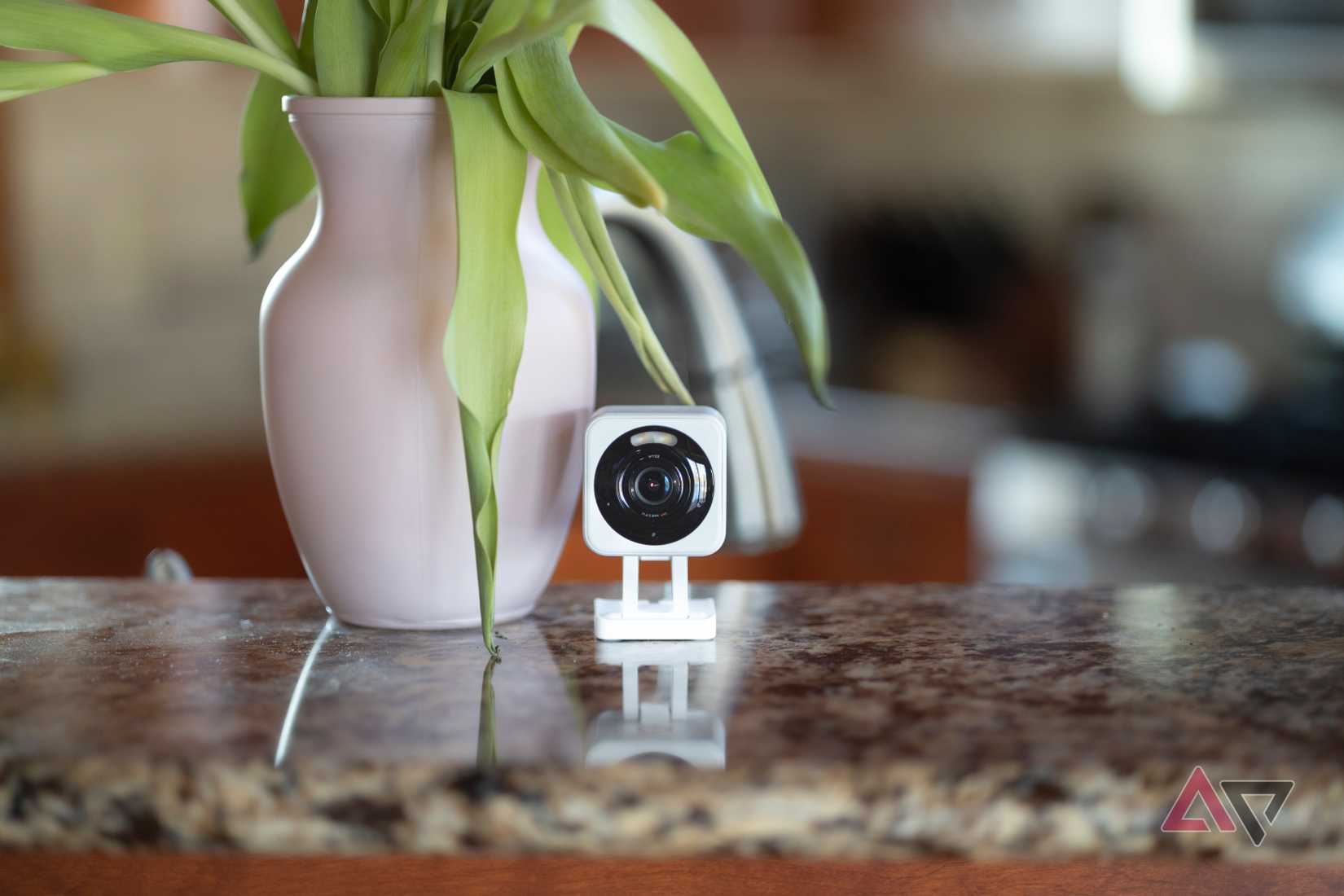
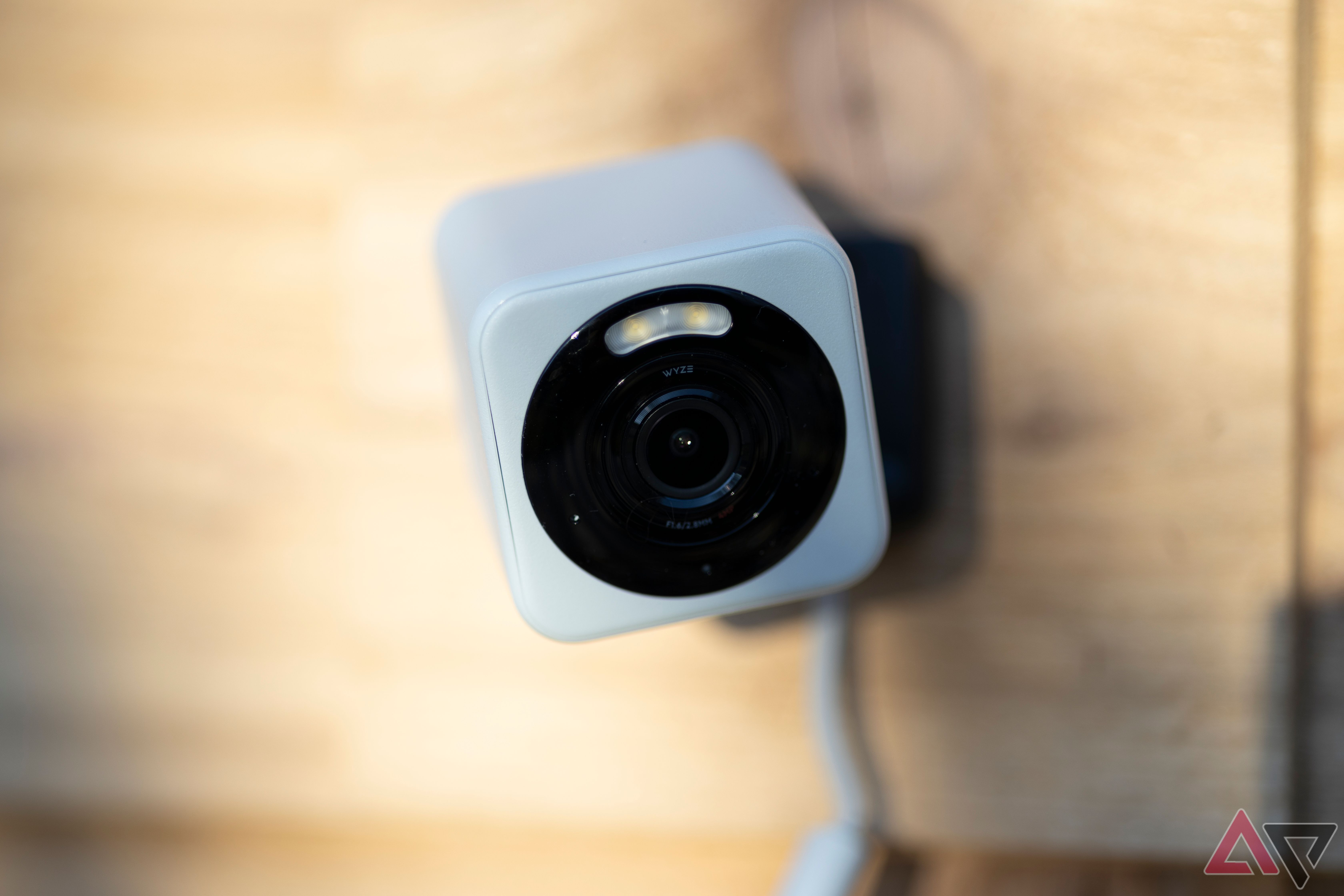
So what do you get with the Wyze Cam v4? It features a 2.5K camera that can deliver crisp and clear images during the day and night. The camera will automatically detect any motion it captures, and it can also provide enhanced visibility when the lighting isn't as optimal with its color night vision.
It also comes with a built-in spotlight, which can illuminate an area, and there's also a siren, just in case you need to warn those that are on your property. If that wasn't enough, there's also a built-in speaker that will allow you to speak with whoever's on the other end. And an IP65 rating ensures that the camera is well protected from the elements.
You don't need to be an expert

Perhaps the most important part of the Wyze Cam v4 is that you don't need to be a professional to set it up. Even if you've never used a device like this before, you'll easily be able to get it installed and running in under an hour.
All you have to do is take it out of the box, plug it into power using the included USB adapter, and download the app on your phone or tablet. From there, you'll be asked to scan a QR code on the box of the device, and then you'll be good to go.
It's really that simple. And best of all, the camera is reliable. I've owned a few Wyze products over the past decade or so, and have never had any issues. I've purchased wired and wireless models and the experience has been pretty seamless. So grab the Wyze Cam v4 for just $20 during Black Friday and also get a free month of premium service for free while you're at it.
 Source: Wyze
Wyze Cam v4
$20
$39
Save $19
Resolution
2.5QHD (2560x1440)
Field of view
115.8-degree diagonal
Connectivity
2.4GHz Wi-fi, Wi-fi 6
Power Source
Wired (outlet)
Battery capacity
N/A
Source: Wyze
Wyze Cam v4
$20
$39
Save $19
Resolution
2.5QHD (2560x1440)
Field of view
115.8-degree diagonal
Connectivity
2.4GHz Wi-fi, Wi-fi 6
Power Source
Wired (outlet)
Battery capacity
N/A
The Wyze Cam v4 may look like the v3 at first glance, but there's a lot going on once you dig a bit deeper. 2.5k resolution and full-color night vision highlight some of the technical improvements, and a motion-activated light paired with IP65 water and dust resistance are the headlining changes from a hardware perspective. Even with all that, Wyze will retail the Cam v4 at the same $36 price tag as the last generation, taking this handy little security camera into impulse-buy territory.
Hub Required No Dimensions 2 in x 2 in x 2 3/8 in Weight 0.49 lbs Storage Local, cloud Storage capacity 512 GB local with microSD Night Vision Infrared LED + white LED spotlight IP rating IP65 Integrations Alexa, Google Assistant, IFTTT $20 at Amazon Expand Collapse Follow Followed Like Share Facebook X WhatsApp Threads Bluesky LinkedIn Reddit Flipboard Copy link Email If you buy something from a Android Police link, we may earn a commission. Visit our editorial standard. Close Recommended 1 day ago
One UI is about to solve a dark mode issue everyone forgot existed
 2 days ago
Plex's latest changes might cost you — here's what you need to know
 2 days ago
Poco's new tablets look like budget-friendly winners
 1 day ago
Samsung Galaxy S26 Ultra’s faster charging looks set for a branding refresh
Trending Now The Android always-on screen situation is ridiculous
 Google Maps gets a smarter way to save battery on Pixel 10
 Google's latest Android 16 QPR2 update adds a pop of color that we can really appreciate